A good pair of desk speakers can make a computer setup feel more complete, but the right choice depends on more than appearance. A small desk may not have enough room for large bookshelf speakers, while a compact speaker system may not provide the connection options or sound output you want.
The three options below are suited to different desktop needs. One focuses on compact wireless listening, one offers a more traditional powered bookshelf-speaker layout, and one uses a single integrated cabinet for stronger output without placing two separate cabinets across the desk.
What to Check Before Buying Desk Speakers
Before choosing a pair of speakers, measure the usable area beside your monitor. The important measurement is not only the width of the desk, but also the depth available in front of or behind the monitor stand.
- Desk width: Two separate speakers need space on both sides of the monitor.
- Desk depth: Deeper cabinets may push your keyboard or mouse closer to the front edge.
- Connection type: Bluetooth is convenient, while USB, AUX, RCA, or other wired inputs may be better for a fixed computer setup.
- Speaker layout: A traditional stereo pair gives you left-and-right placement, while an integrated cabinet saves space between the speakers.
- Output needs: More stated power does not automatically mean better sound in every room, but it can be useful when you want more volume or fuller bass.
Three Aesthetic Desk Speaker Options
1. Audioengine A2+ Wireless Computer Speakers
Best for: a small desk where compact size and convenient wireless connectivity matter most.
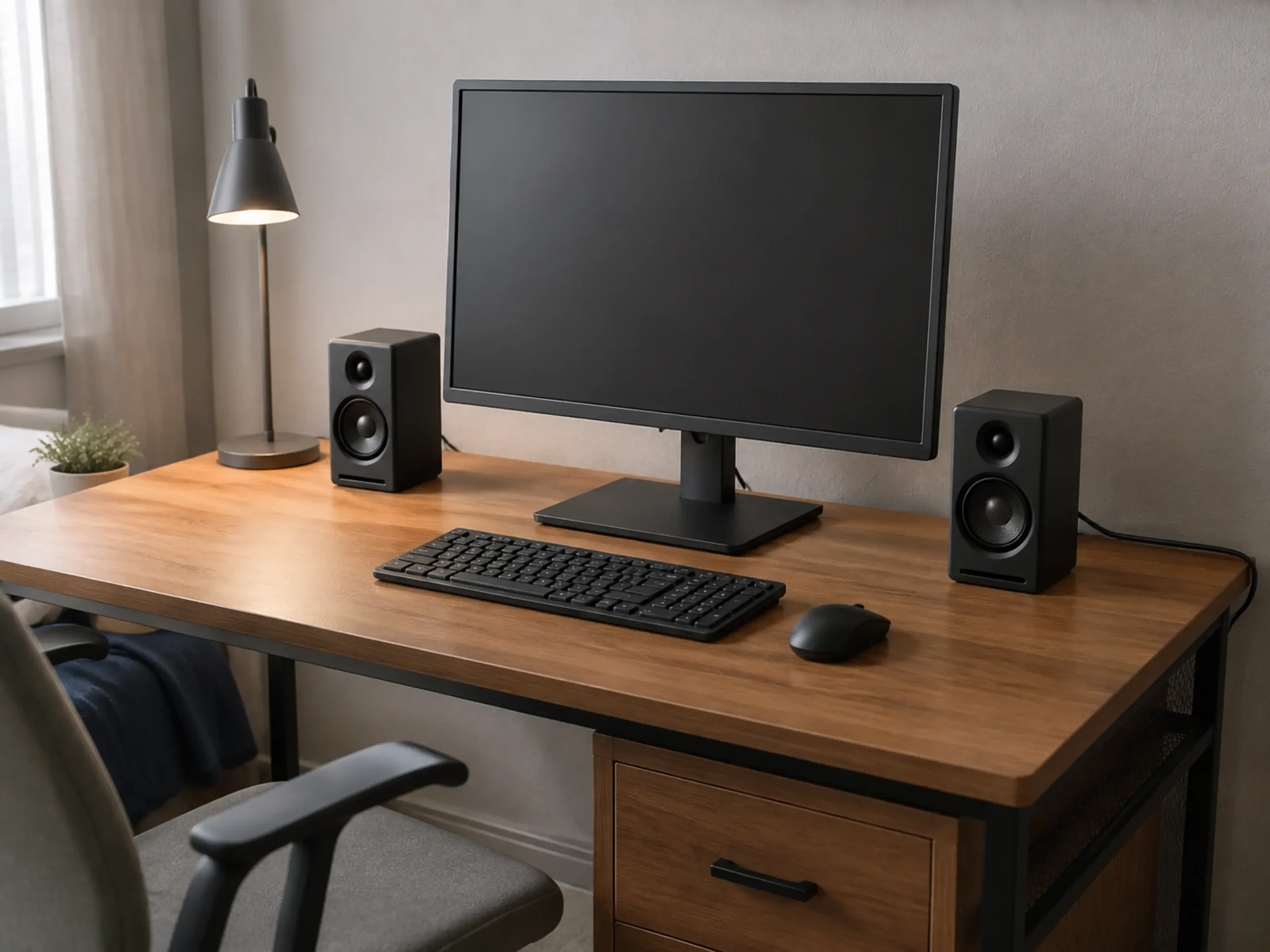
The Audioengine A2+ is designed as a compact powered speaker system for computers and other everyday listening devices. Audioengine lists Bluetooth aptX-HD support, USB input, and analog connections for the A2+ system. The manufacturer also lists each speaker at approximately 6 inches high, 4 inches wide, and 5.25 inches deep.
This makes the A2+ a practical option for a narrow desk, a bedroom workstation, or a setup where you want two separate speakers without using large bookshelf cabinets. Its compact size also makes it easier to leave room for a monitor stand, desk accessories, and a keyboard.
The main trade-off is that a compact cabinet cannot create the same physical presence as a larger bookshelf speaker. If you want high volume across a large room or deep bass without adding a subwoofer, you may prefer a larger system.
Check the Audioengine A2+ on AmazonConfirm the current color, seller, price, and included accessories on Amazon before buying.
2. 36W RMS Active Bookshelf Speakers
Best for: users who want a more traditional powered bookshelf-speaker arrangement with several connection choices.
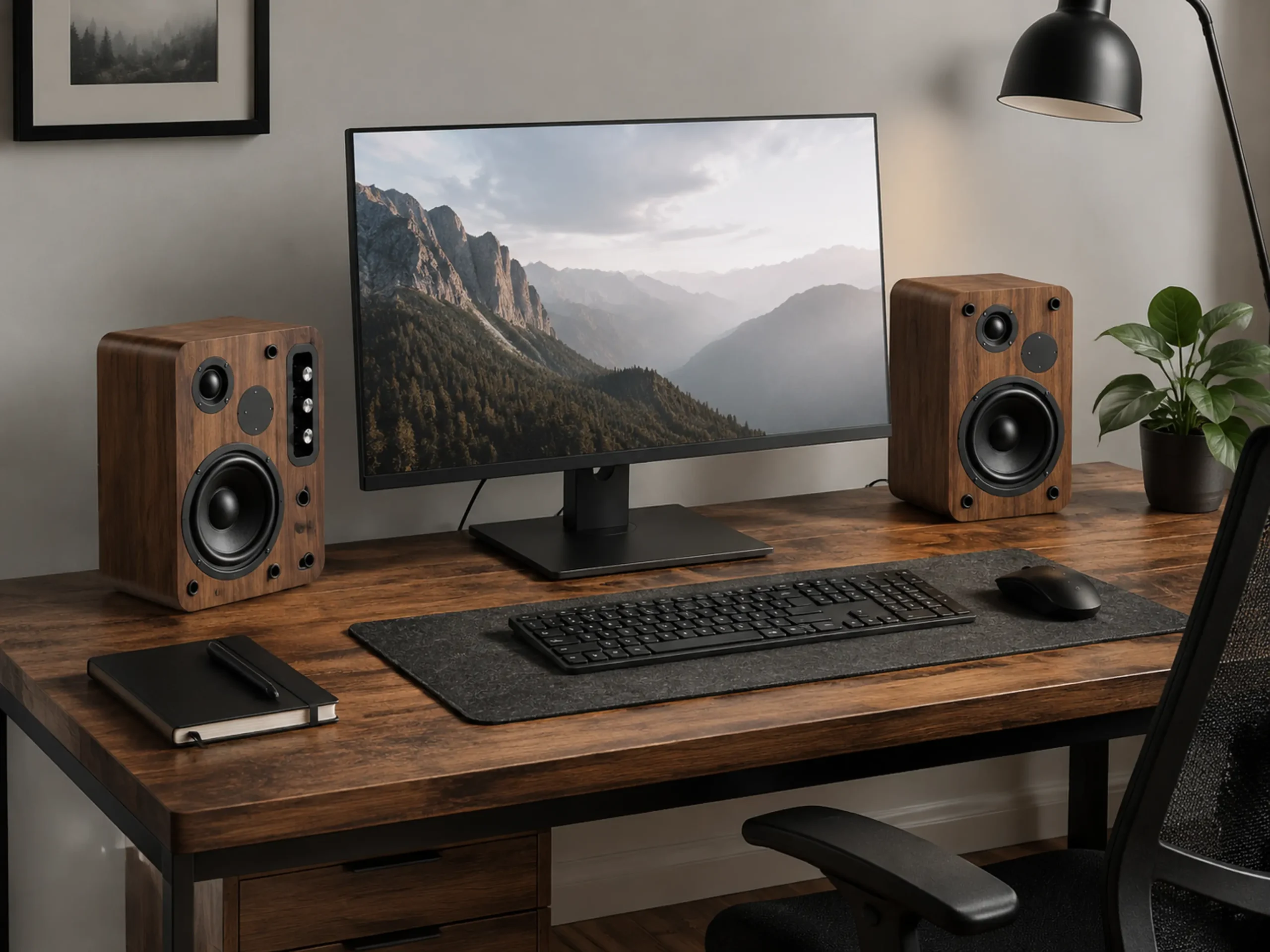
This active bookshelf-speaker option is listed with 36W RMS output, Bluetooth 5.4, USB, and AUX connectivity. It also uses a larger bookshelf-style cabinet than a compact computer speaker, with a 5-inch woofer listed in the product information.
The larger cabinet can make sense if your desk has enough depth and you want a more substantial left-and-right setup around the monitor. USB can be useful for a direct computer connection, while Bluetooth and AUX give you additional ways to connect a phone, laptop, or another audio source.
The buying condition is simple: measure first. A bookshelf-style speaker can take up noticeably more room than a compact desktop speaker. On a shallow desk, the cabinet may interfere with your monitor stand, keyboard position, or mouse area.
Check the 36W Active Bookshelf Speakers on AmazonCheck the current Amazon listing for the exact cabinet dimensions, included cables, and available finish.
Why Speaker Placement Matters on a Computer Desk
Desktop speakers work best when the left and right speakers are placed at a similar distance from your listening position. Ideally, they should sit on both sides of the monitor and point generally toward you.
Avoid pushing both speakers tightly against the back wall or placing one speaker much closer to you than the other. Uneven placement can make the stereo image feel unbalanced, especially when you are sitting directly in front of the monitor.
Also check whether your monitor stand, desk shelf, microphone arm, or cable tray blocks the speaker position. If the speakers are too close to the screen, a monitor arm may create more usable desk space. You can also review our guide to under-desk power strips for a cleaner standing-desk setup if power cables are taking up space around the back edge of the desk.
3. Edifier D12 Integrated Desktop Computer Speaker
Best for: users who want higher stated output and a wooden integrated cabinet instead of two separate speaker boxes.
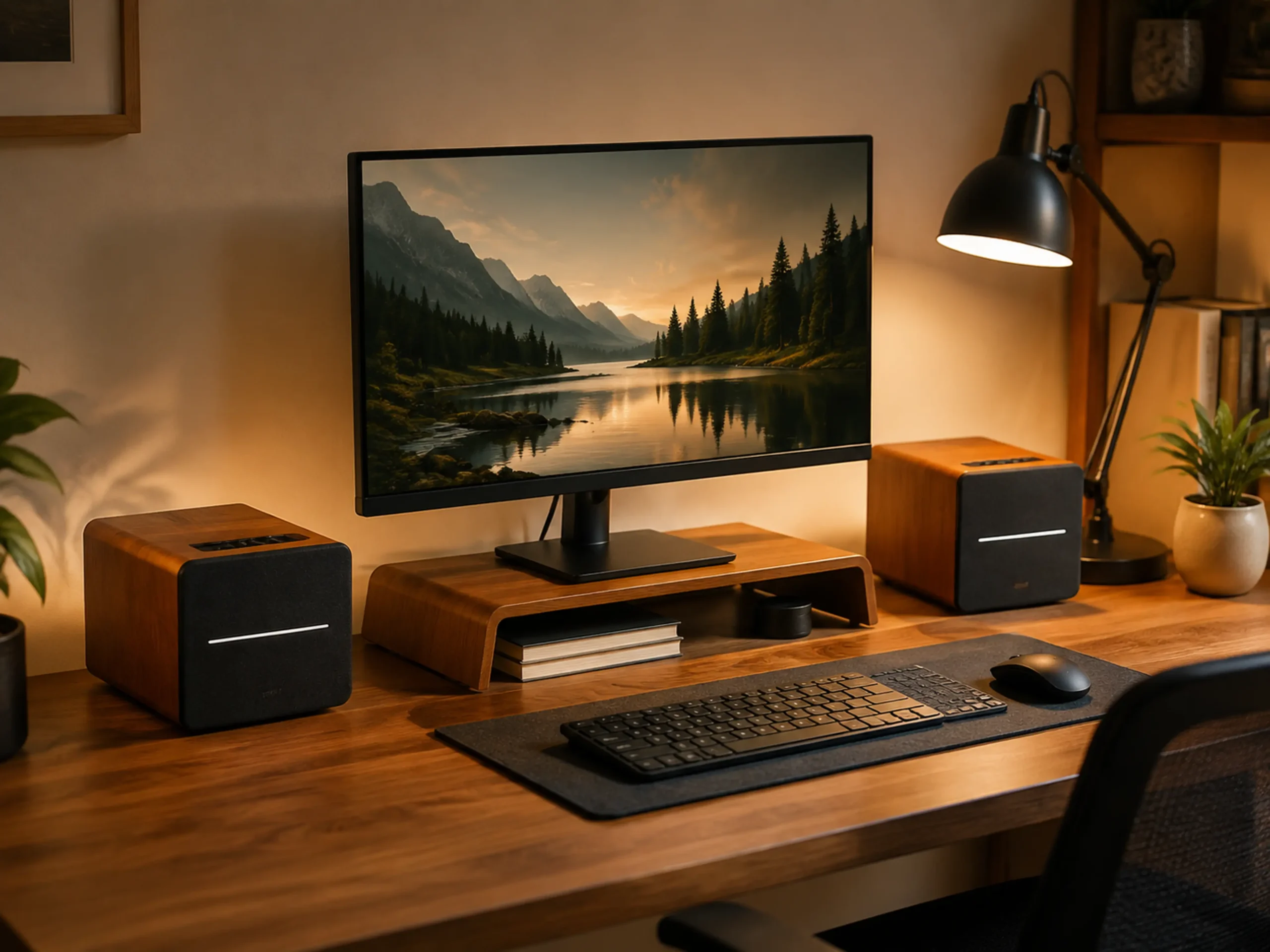
The Edifier D12 uses a single integrated stereo speaker cabinet rather than a separate left speaker and right speaker. Edifier lists Bluetooth 5.0, RCA, and AUX inputs, along with a total 70W RMS output. The product also uses two 4-inch woofers and two 19 mm tweeters.
Because the speakers are combined into one cabinet, the D12 can simplify the visual layout of a desk. You do not need to find two separate positions beside the monitor, and the wooden enclosure can suit a warmer or more classic desktop style.
The limitation is that one integrated cabinet still needs enough horizontal and vertical space. It may not be the best choice for a very narrow desk, a monitor already occupying most of the tabletop, or anyone who specifically wants wide separation between two speaker cabinets.
Check the Edifier D12 on AmazonConfirm the current listing details, cabinet dimensions, seller, and included remote or cables on Amazon before buying.
Which One Fits Your Desk?
| Speaker | Best fit | Main reason to choose it | Potential limitation |
|---|---|---|---|
| Audioengine A2+ | Small or narrow desk | Compact separate speakers with Bluetooth and USB connectivity | Less cabinet size than larger bookshelf systems |
| 36W active bookshelf speakers | Medium desk with extra depth | Larger left-and-right layout with Bluetooth, USB, and AUX | Needs more usable desk space |
| Edifier D12 | Users who prefer one integrated cabinet | 70W RMS stated output and Bluetooth, RCA, and AUX inputs | Less physical separation between left and right channels |
Final Buying Advice
For a very small computer desk, the Audioengine A2+ is the easiest option to consider because its compact separate cabinets are designed around desktop use. It is also suitable when Bluetooth and USB connectivity are more important than maximum output.
If you have more desk depth and want a conventional powered bookshelf-speaker layout, the 36W active speakers offer a different balance. They are a better match for someone who wants larger cabinets and several input options, provided the desk can accommodate them.
The Edifier D12 is the clearest choice when you want a single wooden integrated speaker with stronger stated output. It can simplify the visual arrangement, but it still requires a suitable section of the desk and will not provide the same physical separation as two individually placed speakers.
Before ordering, measure the space beside or under your monitor, check the input connections you actually plan to use, and confirm the latest listing information on Amazon. A speaker that fits the style of your desk but blocks your keyboard, monitor stand, or cable route is not a good desktop upgrade.
Disclosure: This article contains affiliate links. If you purchase through one of these links, we may earn a commission at no additional cost to you. Product specifications and availability can change, so check the current Amazon listing and manufacturer information before buying.