How to Build the Ultimate Ultrawide Monitor Setup for Deep Work
In 2026, a truly professional workspace demands more than just a laptop on a desk. For high-income engineers, designers, and executives, an ultrawide monitor setup is the ultimate weapon for deep work and extreme productivity. However, upgrading to a massive screen introduces new challenges: heavy factory monitor stands eating up desk space, chaotic cable clutter, and intense eye fatigue during late-night coding or design sessions. The solution lies in a meticulously crafted ultrawide immersion setup that combines heavy-duty support, invisible cable management, and bias lighting to create a distraction-free, cinematic work environment.
Conquering the Massive Screen: Support and Cleanliness
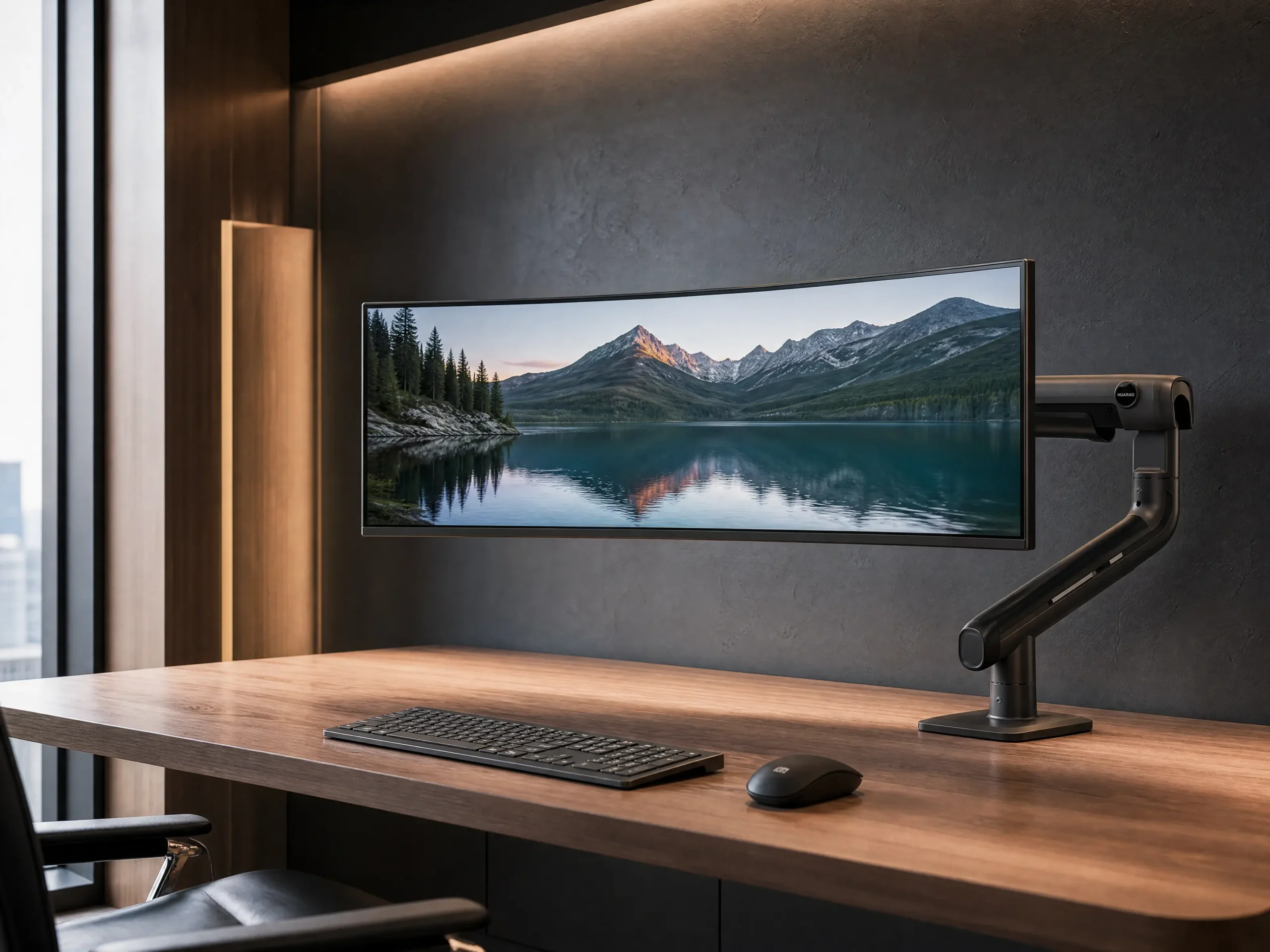
The foundation of any ultrawide setup is regaining your physical desktop real estate. Factory stands for 34-inch or 49-inch monitors are notoriously bulky. By upgrading to a premium heavy-duty monitor arm, your massive screen appears to float effortlessly above your desk. This not only reclaims space for your notebooks or coffee but also allows for precise ergonomic adjustments. Once the screen is mounted, the next critical step is tackling the unavoidable web of cables. Implementing a robust under-desk cable management raceway ensures that every single power cord and display cable is completely hidden from view, achieving that highly coveted wireless aesthetic.
Solving the Top 3 Setup Pain Points
1. “Will a standard monitor arm hold my 49-inch ultrawide?” No. Standard arms will sag or fail entirely under the weight of an ultrawide. You must invest in a heavy-duty mechanical spring or gas spring arm specifically rated for premium curved displays to ensure zero sagging and smooth adjustments.
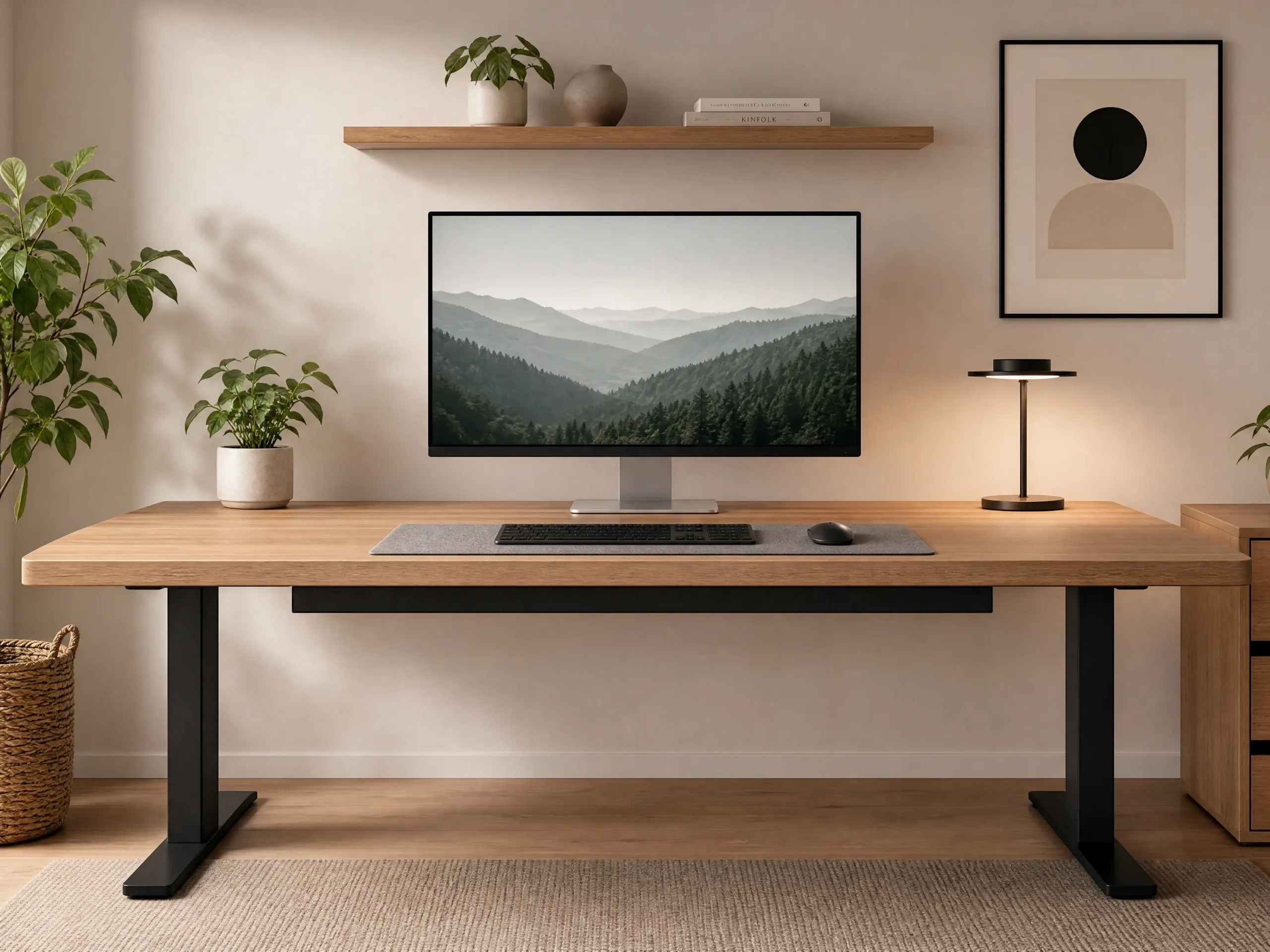
2. “How do I hide the thick cables from my PC and monitor?” Do not rely on zip ties alone. Install a spacious under-desk cable management tray or raceway. This allows you to route thick DisplayPort cables and power bricks completely out of sight, maintaining the minimalist illusion.
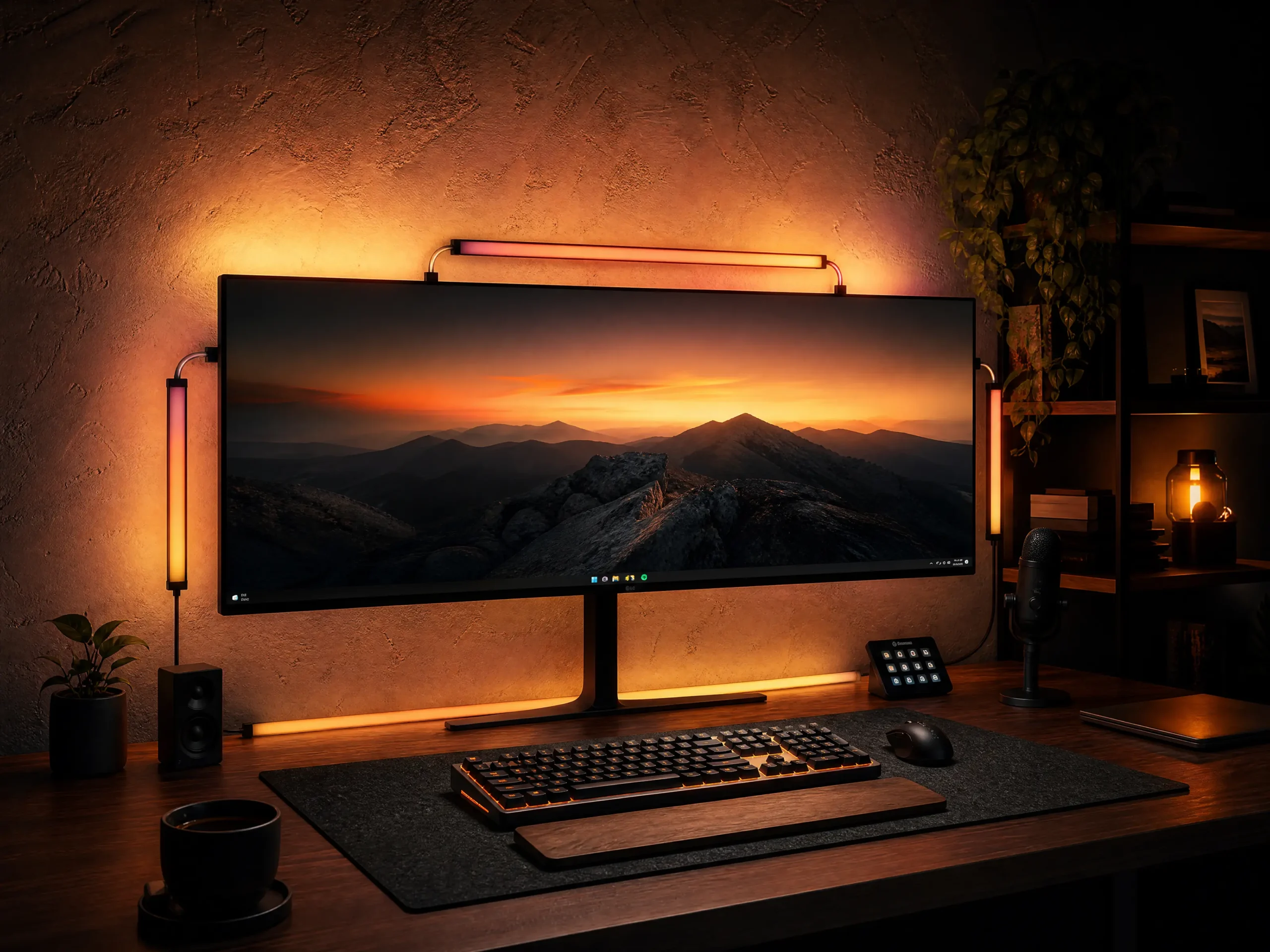
3. “Why do my eyes hurt when working late on a big screen?” A massive, bright screen in a dark room creates extreme contrast that strains your optic nerves. Adding a monitor LED backlight kit (bias lighting) behind the screen illuminates the wall, reducing contrast and providing a cinematic, cozy vibe without causing glare.
Extended Discussion: Elevate Your Workspace Health
Once you have conquered the physical space and lighting of your ultrawide monitor, you might realize that staring at a screen all day still requires optimal environmental health. If you want to dive deeper into protecting your vision while maintaining a flawless aesthetic, be sure to read our comprehensive guide on How to Build the Ultimate Eye-Care Minimalist Desk Setup to ensure your workspace is as healthy as it is visually stunning.