Disclosure: As an Amazon Associate, I earn from qualifying purchases. This means if you click on an affiliate link and make a purchase, I may receive a small commission at no extra cost to you.
TL;DR: The Ultimate Midnight Creator Setup
Building a midnight editing sanctuary isn’t just about aesthetics; it’s about preserving your eye health and accelerating your workflow. By combining acoustic wood slat panels for sound dampening, a premium monitor light bar to eliminate screen glare, and a dedicated creator console to map out tedious macros, you can create a lived-in, highly functional dark space. This guide breaks down the essential gear you need to edit comfortably into the early morning hours.
Why Do Video Editors Need a Dedicated Midnight Setup?
If you are editing videos or color-grading past midnight, standard room lighting is your worst enemy. It creates nasty reflections on your screen and ruins your color perception. A dedicated midnight creator setup isolates your workspace, controls the light spill, and ensures your audio acoustics are tight. Let’s look at the foundational piece: the aesthetic and acoustic backdrop.
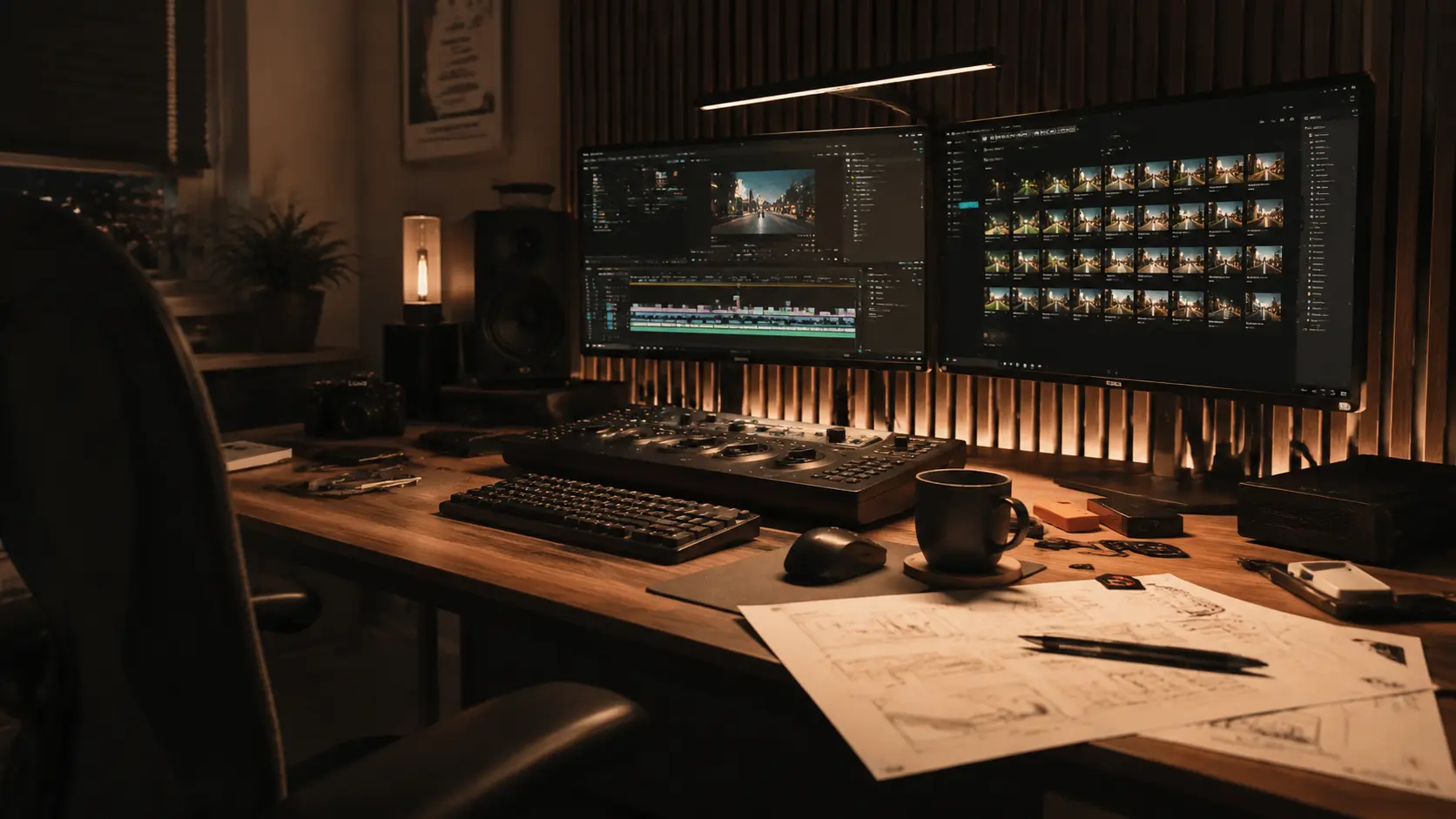
Those Wood Slat Acoustic Panels in the background aren’t just for that moody, cinematic vibe. They break up sound waves and prevent echo from bouncing off hard walls, which is crucial if you are mixing audio or recording voiceovers at your desk. They instantly upgrade a boring room into a professional studio.
How Does a Monitor Light Bar Protect Your Eyes at 3 AM?
The biggest mistake creators make is editing in pitch black. The extreme contrast between the bright monitor and the dark room causes severe eye strain. A premium monitor light bar is the absolute game-changer here.
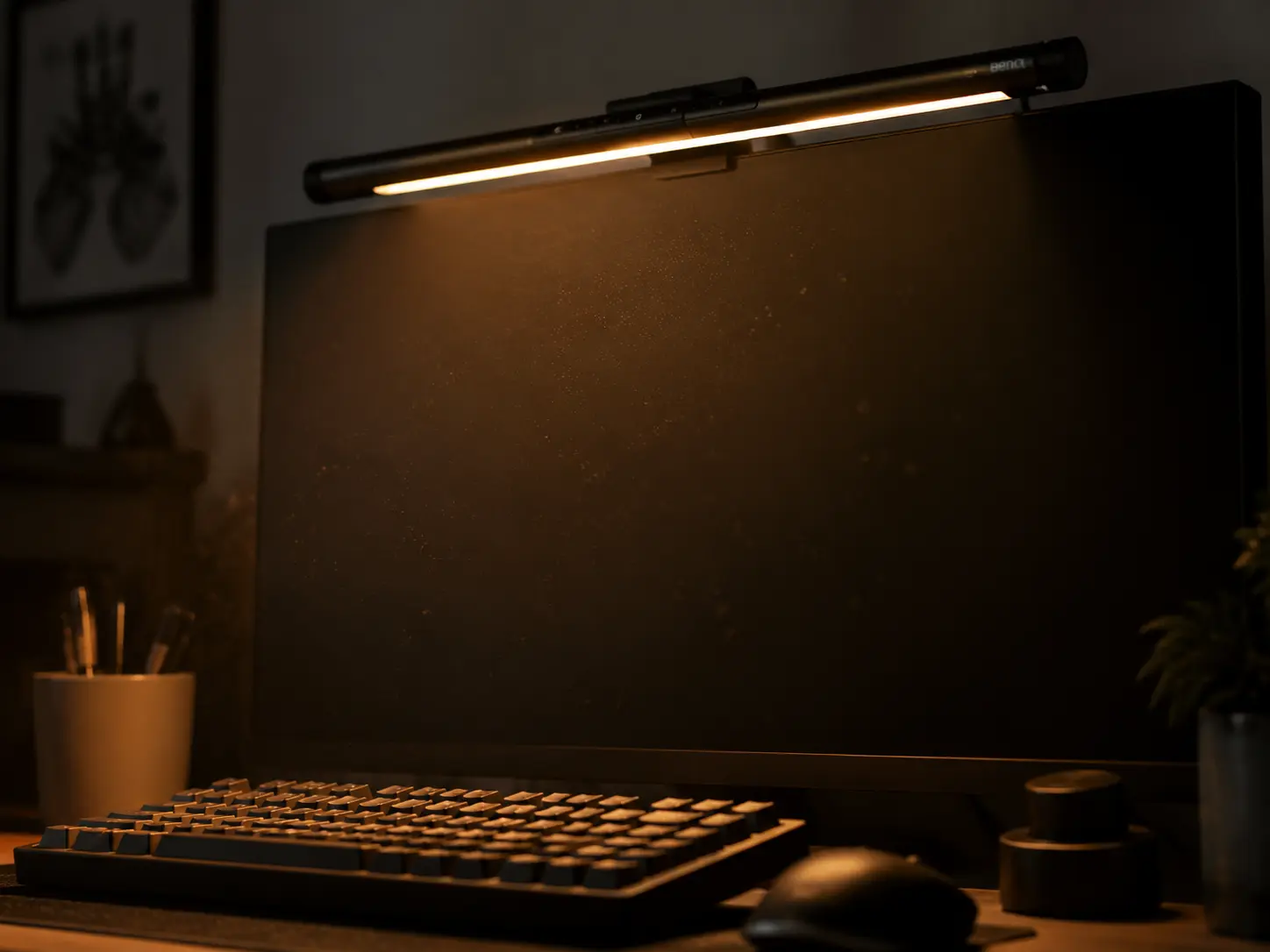
Unlike a regular desk lamp, a properly engineered light bar features an asymmetrical optical design. It only casts a warm, soothing amber glow downwards onto your keyboard and desk mat, completely avoiding the screen. This means zero screen glare and massive relief for your eyes during those marathon editing sessions.
Can a Creator Console Really Speed Up Your Workflow?
When you are deep in a Premiere Pro or DaVinci Resolve timeline, pressing complex keyboard shortcuts repeatedly breaks your flow state. Enter the creator console.
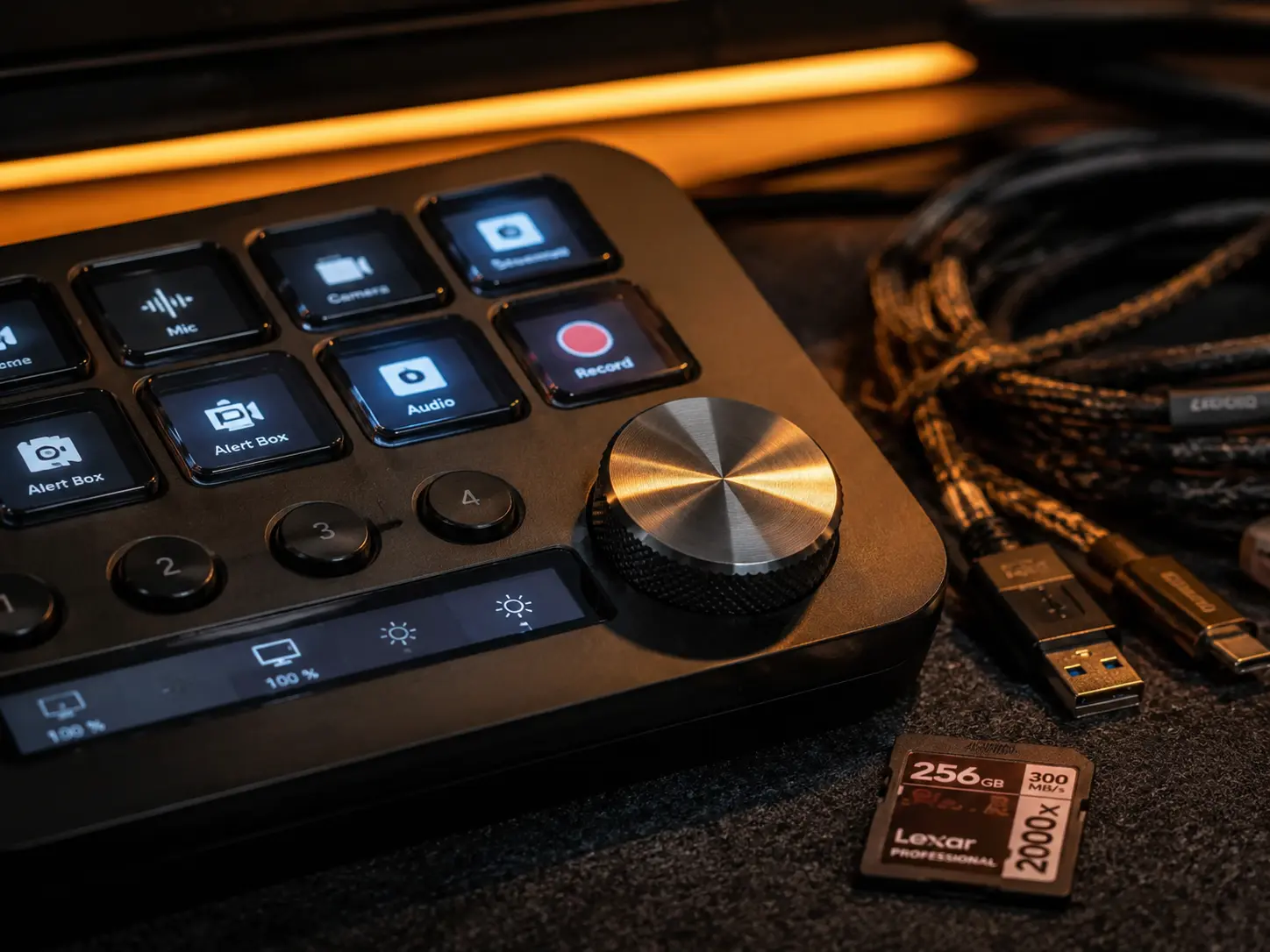
Sitting perfectly on a dark felt mat, this piece of tech puts your most-used tools at your fingertips. From switching scenes to zooming into timelines with a tactile metal dial, it physically connects you to your software. It turns tedious, repetitive actions into a single button press, saving you hours of work every week.
Gear Comparison: Essential Upgrades
| Gear Item | Core Benefit | Why You Need It |
|---|---|---|
| Acoustic Slat Panels | Sound Dampening & Aesthetic | Kills room echo for clean audio mixing. |
| Monitor Light Bar | Zero Glare Lighting | Reduces 3 AM eye strain significantly. |
| Creator Console | Tactile Workflow Control | Cuts timeline editing time in half. |
Frequently Asked Questions (FAQ)
Do acoustic wood panels really make a difference for audio?
Yes. While they aren’t completely soundproofing a room, the wooden slats and felt backing break up high and mid-frequency sound waves, preventing the annoying “bathroom echo” when recording audio.
Will a monitor light bar block my webcam?
Most premium light bars are designed to sit flush on top of your monitor. However, if you use an external webcam, you might need a slight offset mount or place the webcam beside the light bar.
Is a creator console hard to set up?
Not at all. The modern software allows simple drag-and-drop programming, and there are thousands of pre-made profiles for software like Premiere Pro, Photoshop, and OBS available to download.
Looking for a different aesthetic? If you prefer a cleaner, more minimalist daytime vibe, check out our guide on How to Build a Cozy Japandi Desk Setup for more inspiration!