TL;DR: Which Dual Monitor Arm Actually Fits Your Desk?
- For Heavy Screens & Basic Setups: The Heavy-Duty Mount (Rock solid C-clamp for standard desks).
- For White & Lofi Aesthetics: The White Gas Spring Arm (Sleek design, smooth height adjustment).
- For Thick Desks & Wide Angles: The Wide-Clamp Mount (Best for thick tabletops and dark academia vibes).
A dual monitor arm is the ultimate cheat code for an aesthetic desk setup—it hides your cables and frees up massive amounts of desk space. But most people buy one based purely on looks, only to realize the C-clamp doesn’t fit their desk, or worse, the pressure cracks their cheap tabletop in half.
| Feature | The Heavy-Duty Base | The White Aesthetic | The Wide Clamp |
|---|---|---|---|
| Best For | Max stability, heavy monitors | Clean white minimalist setups | Thick desks, large dual screens |
| Arm Mechanism | Mechanical spring / fixed pole | Premium gas spring | Gas spring / heavy-duty joints |
| Desk Thickness Limit | Up to 3.1 inches | Up to 3.3 inches | Up to 3.5 inches |
1. The Heavy-Duty Mount: Best for Maximum Stability
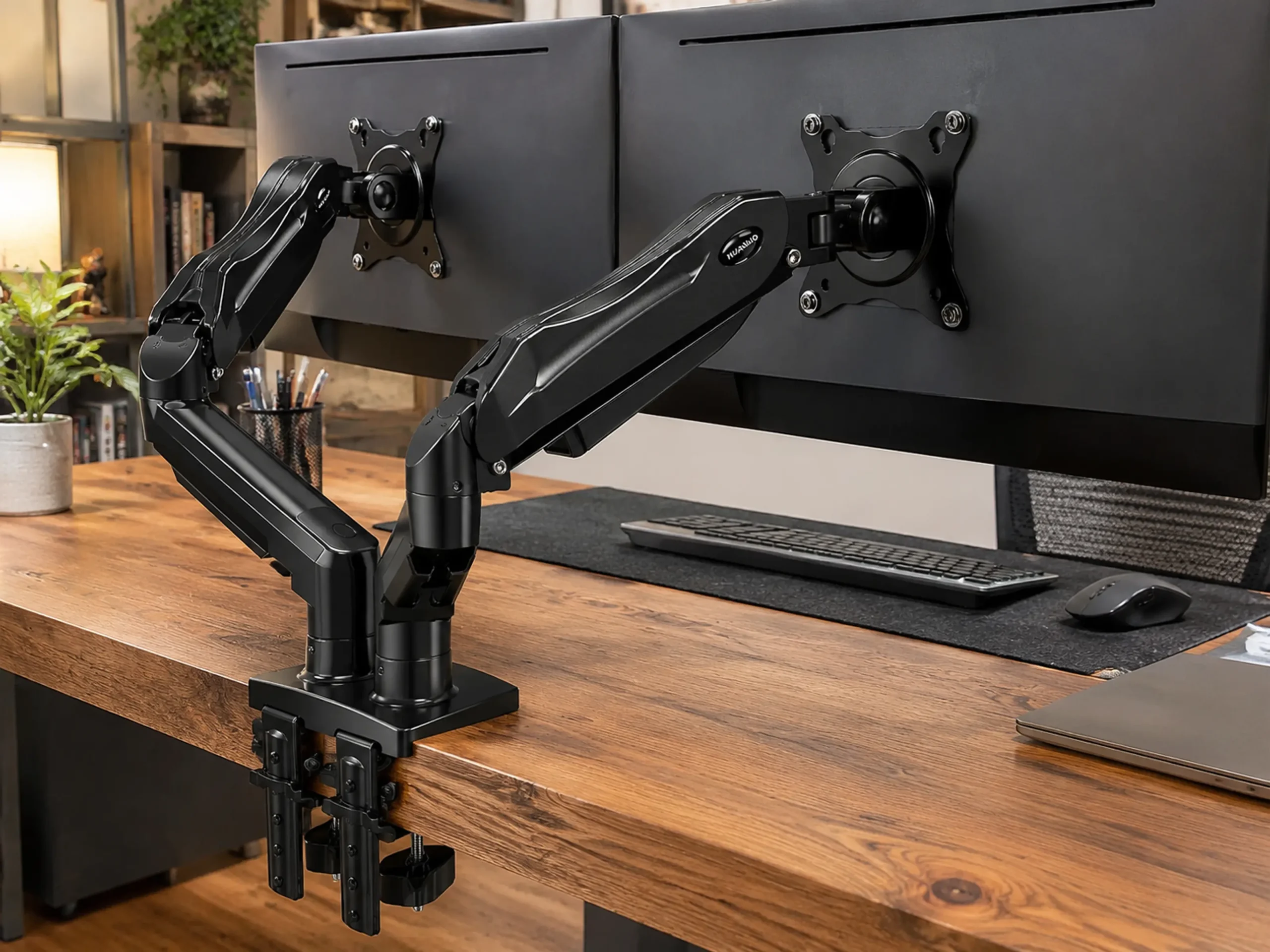
If you don’t care about floating aesthetics and just want something that will securely hold your expensive monitors without wobbling every time you type, this is the workhorse. It features a reinforced C-clamp base that spreads the weight evenly across your desk edge, reducing the risk of damaging the wood. It’s not the flashiest, but it is built like a tank.
- Buy this if: You have heavier monitors (like older 27-inch screens) and need absolute stability over smooth gas-spring movements.
- Skip this if: Your desk sits flush against a wall; the fixed pole design requires some clearance behind the desk to adjust the arms.
2. The White Gas Spring Arm: Best for White / Lofi Setups
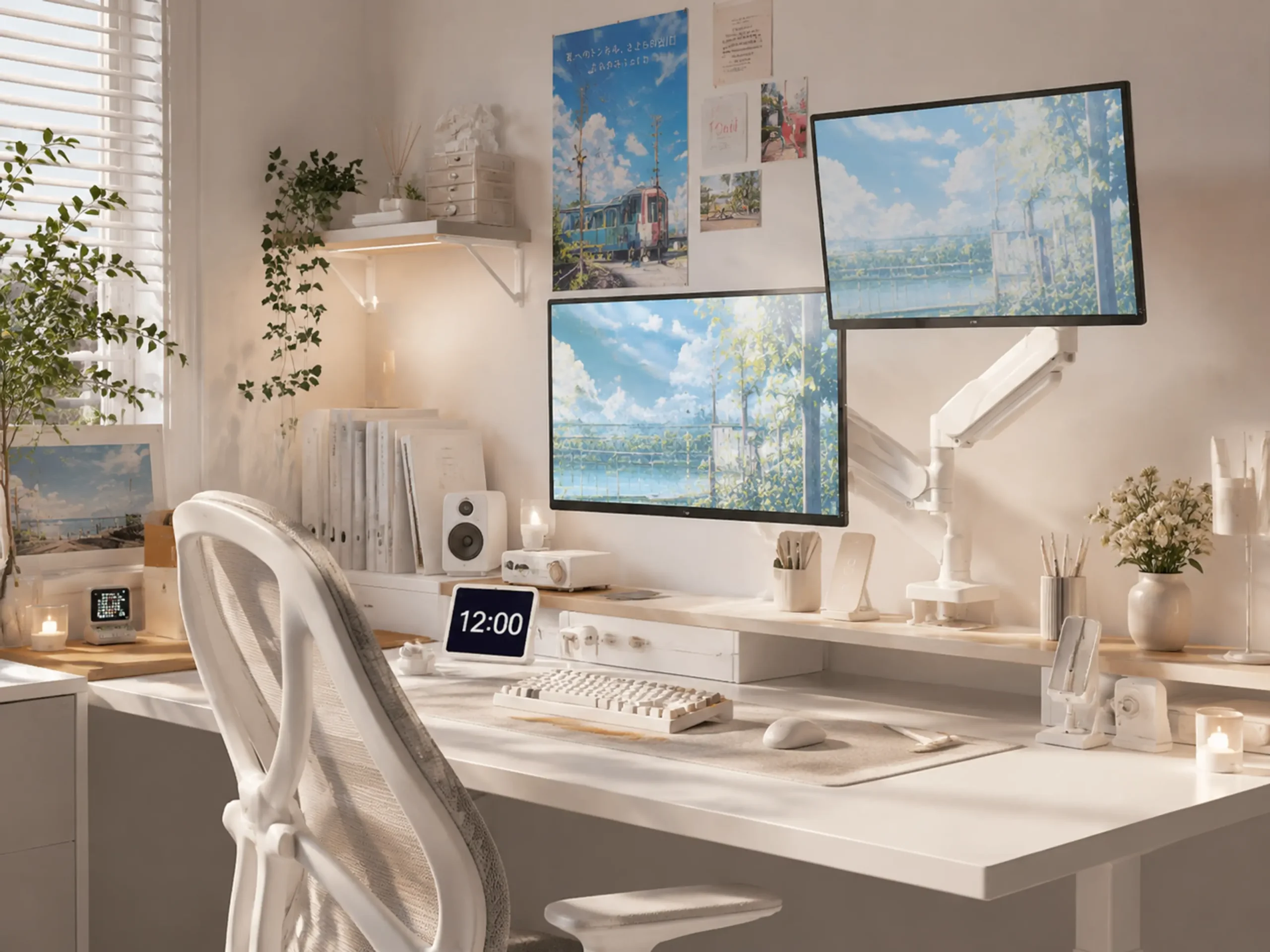
Black industrial monitor arms completely ruin the vibe of a soft, white, or kawaii lofi setup. This model solves that with a sleek, all-white finish and built-in cable management that hides ugly black cords. The gas spring mechanism allows you to push, pull, or tilt your screens with just one finger, making it perfect if you switch between sitting and standing throughout the day.
- Buy this if: You are building a bright, minimalist aesthetic and need effortless screen adjustments.
- Skip this if: Your desk is thicker than 3.3 inches; the included C-clamp won’t open wide enough to secure it.
3. The Wide-Clamp Mount: Best for Thick Desks
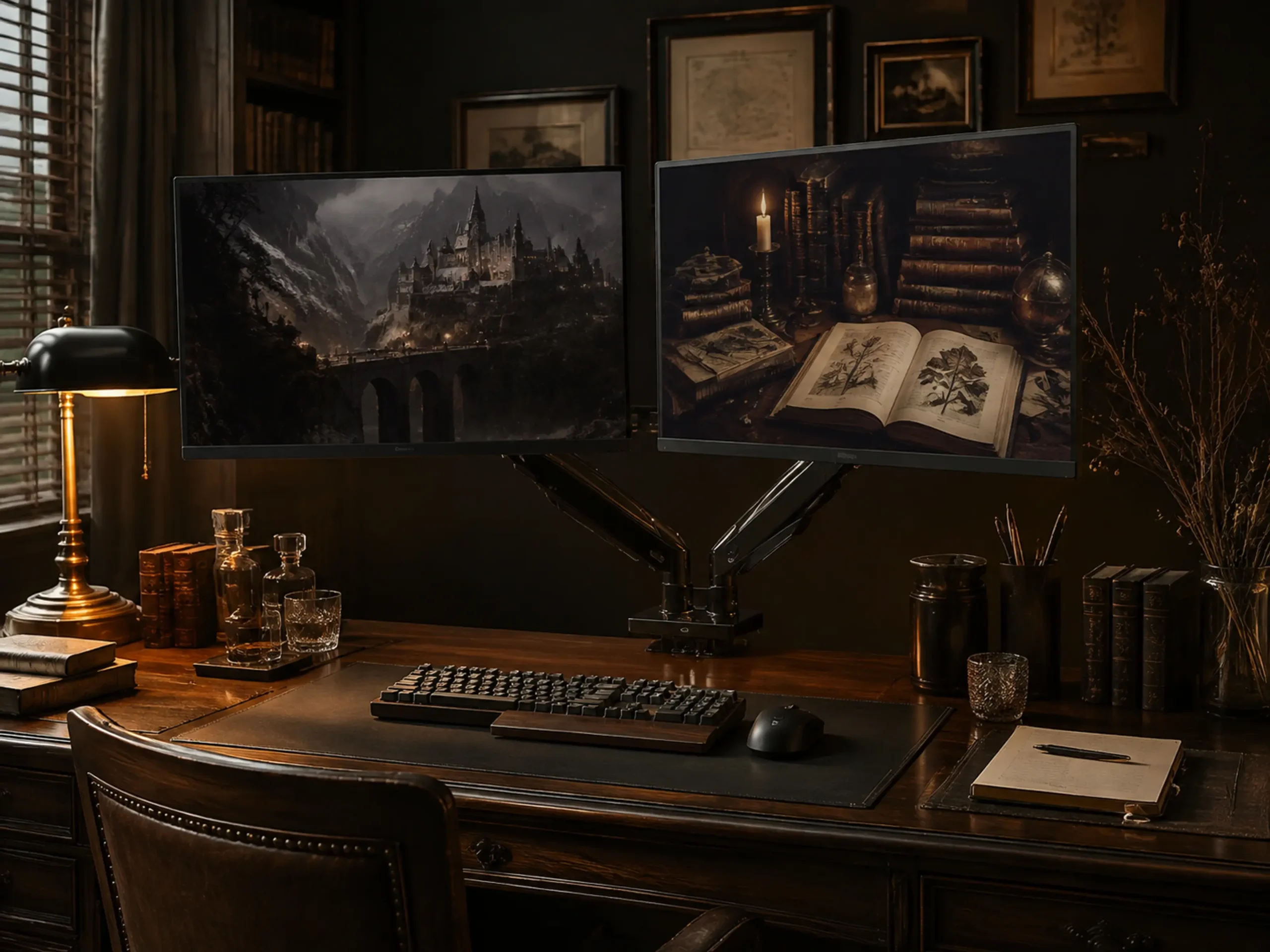
Many dark academia setups use custom butcher blocks or extra-thick walnut countertops. Standard monitor arms fail here because their clamps are too shallow. This mount is designed specifically to accommodate thicker tabletops and features an extended arm reach, allowing you to perfectly align two large monitors without the arms awkwardly colliding in the middle.
- Buy this if: You have a custom thick wooden desk or want to run dual 32-inch monitors side by side.
- Skip this if: You have a cheap, hollow desk; the massive weight of this arm plus two large screens will destroy the tabletop without a reinforcement plate.