Working from home sounds like a dream until the reality of chronic back pain, stiff shoulders, and wrist fatigue sets in. If you are spending over eight hours a day at your desk, treating your workspace like a temporary setup is a direct threat to your long-term health. Building an ergonomic desk setup isn’t just about buying an expensive chair; it is about optimizing every touchpoint of your body to eliminate strain. Here are the ultimate upgrades to fix your posture and stop WFH pain for good.
1. Fix Your Posture from the Ground Up: Ergonomic Foot Rest
Most lower back pain stems from improper leg positioning. When your feet dangle or sit flat on a hard floor, it pulls your pelvis forward, creating a harsh arch in your lower back. An ergonomic memory foam under-desk foot rest is the fastest way to correct this. By elevating your legs slightly, it encourages you to sit back firmly against your chair’s lumbar support.
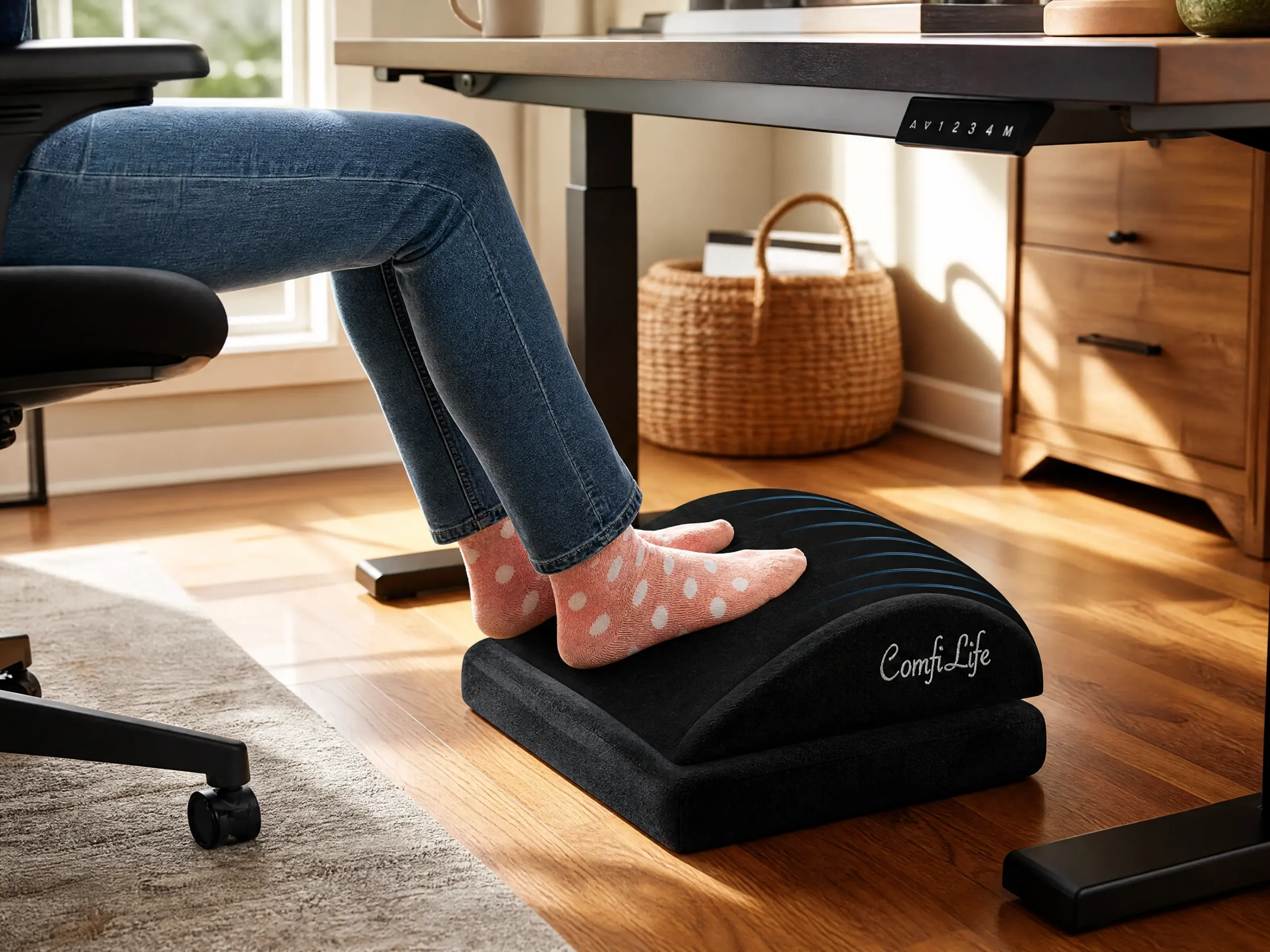
The memory foam conforms to your feet, improving blood circulation in your legs and preventing that heavy, numb feeling after hours of sitting. It is an instant upgrade that forces your entire body into a much healthier alignment.
2. Save Your Wrists: Split Ergonomic Mechanical Keyboard
Standard keyboards force your wrists to bend outward and your shoulders to internally rotate, which is a fast track to repetitive strain injury (RSI) and carpal tunnel syndrome. A split ergonomic mechanical keyboard allows you to position each half of the board shoulder-width apart, keeping your arms completely straight and relaxed.
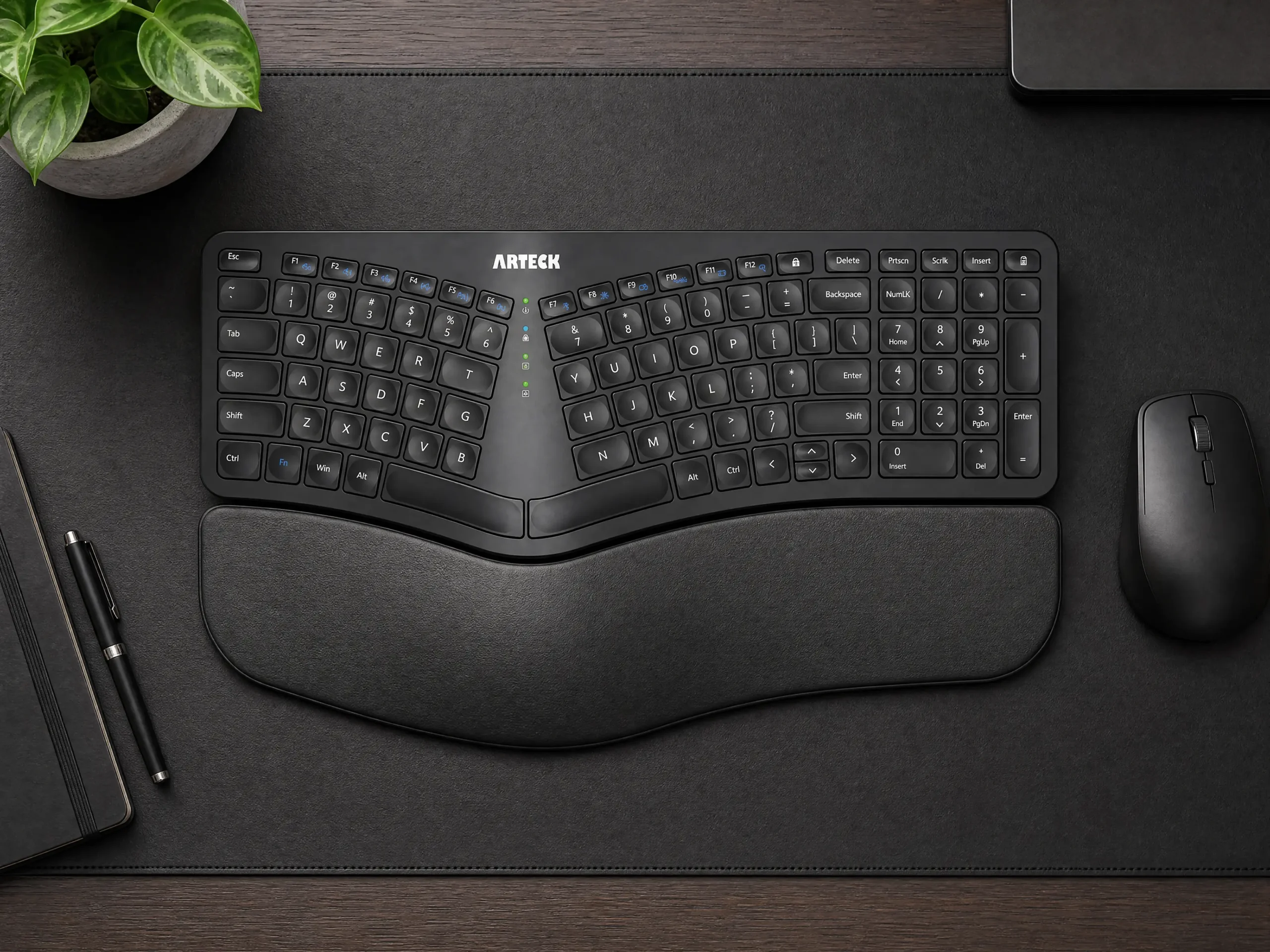
Not only does the split design relieve tension in your neck and upper back, but the mechanical switches also reduce the amount of force needed to register a keystroke, drastically lowering finger fatigue during heavy typing sessions.
3. Eliminate Screen Fatigue: Auto-Dimming Monitor Light Bar
If you suffer from dry eyes or late-night headaches, the contrast between your bright monitor and your dark room is likely to blame. Overhead room lighting creates harsh screen glare, while turning the lights off causes extreme eye strain. An auto-dimming monitor light bar sits perfectly on top of your screen, casting light only on your desk surface.
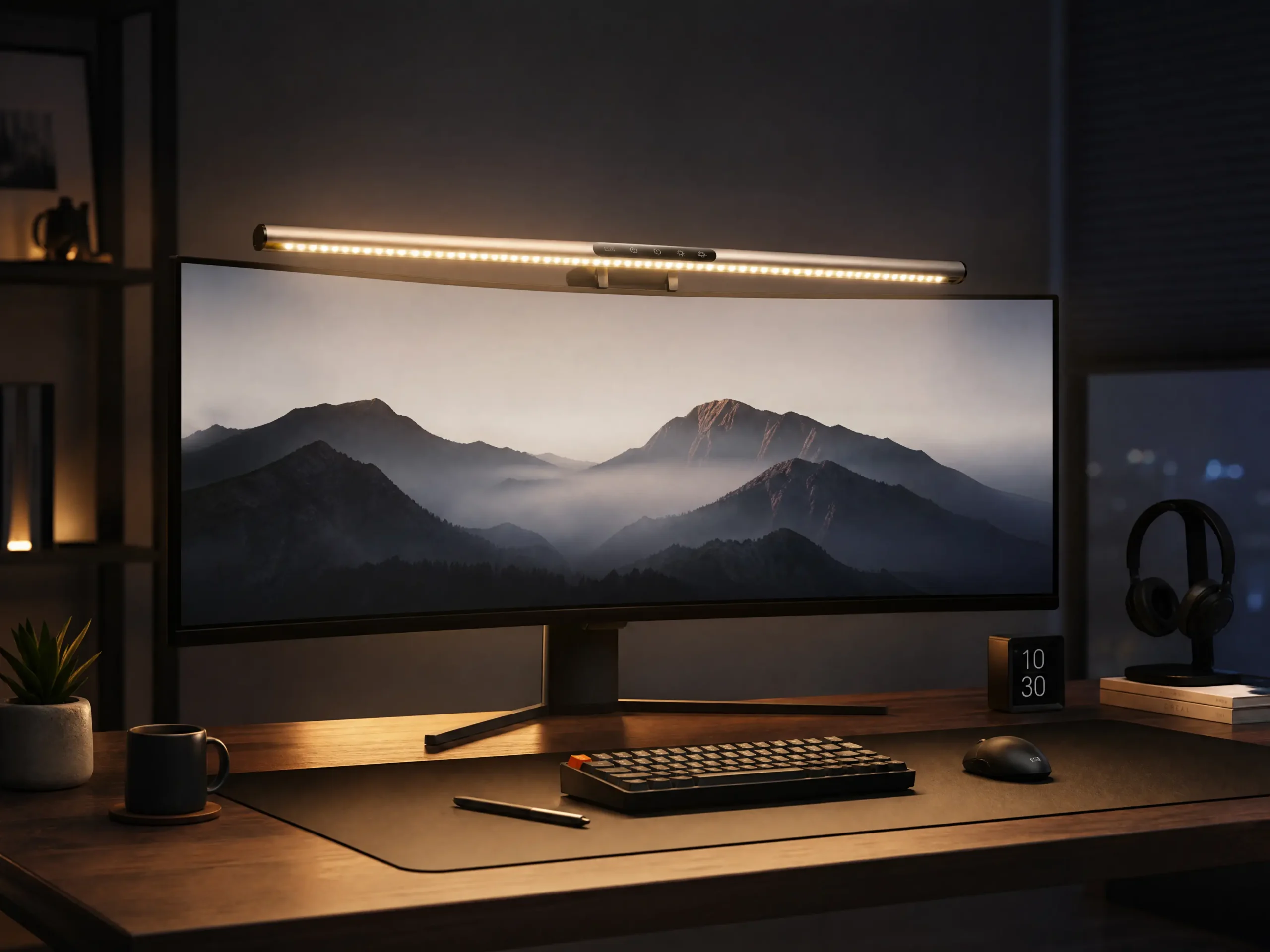
Because it completely avoids lighting up the screen itself, it eliminates glare entirely. The auto-dimming feature adjusts the brightness and color temperature based on your ambient room light, keeping your eyes deeply relaxed from morning until midnight.
Frequently Asked Questions
Does an ergonomic footrest actually help with lower back pain?
Yes. When your feet are elevated and firmly supported, it naturally shifts your weight back into your chair, allowing the chair’s lumbar support to do its job. It takes the pressure off your sciatic nerve and lower spine, significantly reducing pain from prolonged sitting.
How can I make my ergonomic setup feel less clinical and more relaxing?
Ergonomic setups can sometimes look too much like a medical office. To soften the space and reduce mental stress while keeping the physical benefits, try incorporating biophilic elements. You can check out our guide on how to create a calming botanical desk setup to learn how adding natural textures and plants can completely transform the vibe of your healthy workspace.